Favorite Contacts Edge Panel5.2
Publisher Description
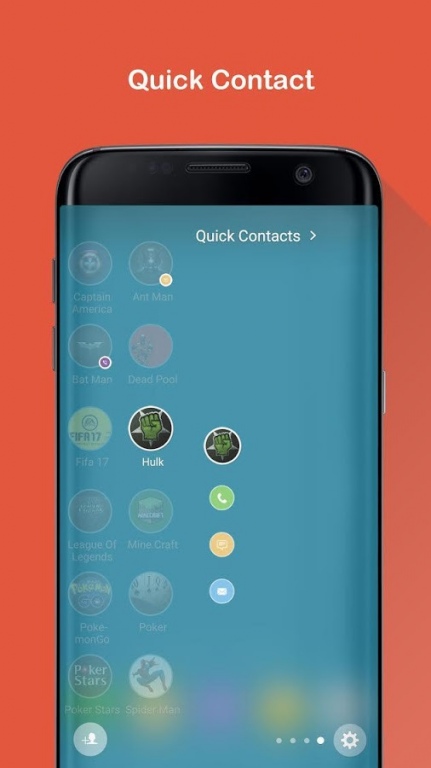
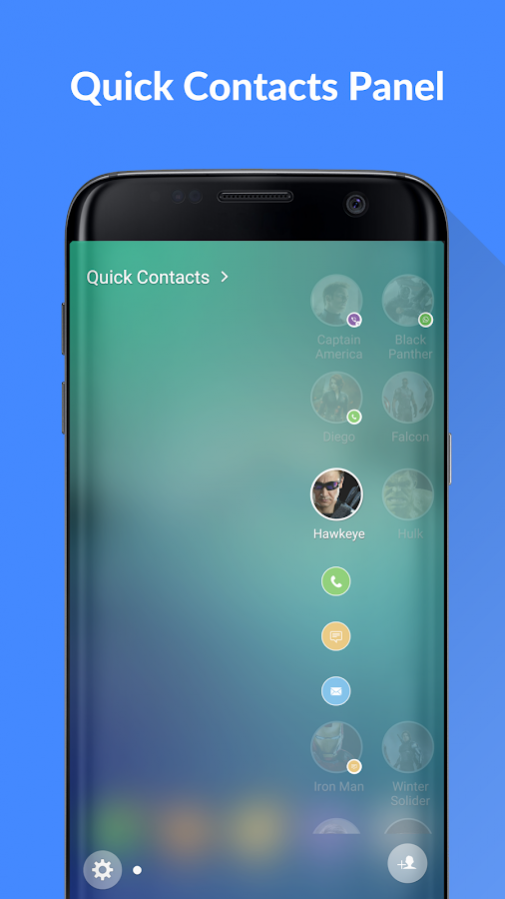
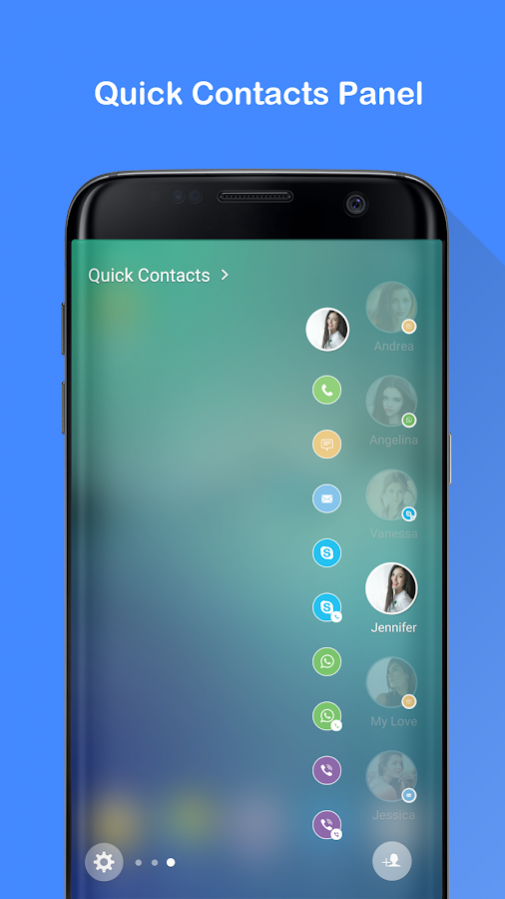
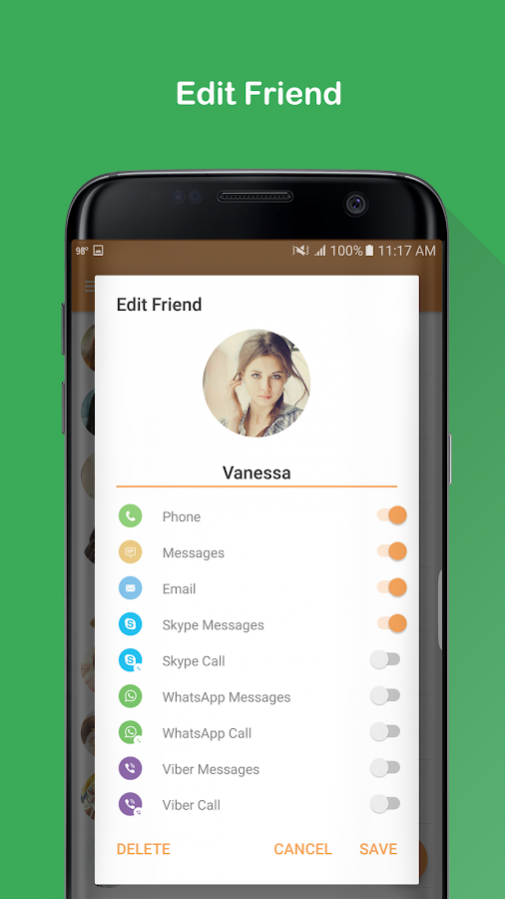
*Note : This application works on Edge Screen of Galaxy S6 Edge & S6 Edge Plus MM Android OS; S7 Edge, Note 7, S8 and S8+
A quick way to call, send sms, send email, chat skype, whatsapps, viber to your favorite contacts on Edge Panel.
*** How to use
- Setting -> Edge Screen -> Edge Panels -> Check Favorite Contacts for Edge Panel.
- From the home screen or the lock screen, swipe from either edge of the display to bring up a menu of multi-tasking Edge features. Select Favorite Contacts for Edge Panel.
- After update new version: Setting -> Edge Screen -> Edge Panels -> uncheck Favorite Contacts for Edge Panel -> Press "Back" button. Then check again.
Let's comment and review your opinions, we always listen and improve to provide a best application.
Any contributions, please send to email: amclab.vn@gmail.com
Thanks and Best regards,
AMC Lab.
About Favorite Contacts Edge Panel
The company that develops Favorite Contacts Edge Panel is AMC Lab. The latest version released by its developer is 5.2.
To install Favorite Contacts Edge Panel on your Android device, just click the green Continue To App button above to start the installation process. The app is listed on our website since 2017-09-04 and was downloaded 24 times. We have already checked if the download link is safe, however for your own protection we recommend that you scan the downloaded app with your antivirus. Your antivirus may detect the Favorite Contacts Edge Panel as malware as malware if the download link to com.ehzstudios.quickcontacts7panel is broken.
How to install Favorite Contacts Edge Panel on your Android device:
- Click on the Continue To App button on our website. This will redirect you to Google Play.
- Once the Favorite Contacts Edge Panel is shown in the Google Play listing of your Android device, you can start its download and installation. Tap on the Install button located below the search bar and to the right of the app icon.
- A pop-up window with the permissions required by Favorite Contacts Edge Panel will be shown. Click on Accept to continue the process.
- Favorite Contacts Edge Panel will be downloaded onto your device, displaying a progress. Once the download completes, the installation will start and you'll get a notification after the installation is finished.
Program Details
System requirements
Download information
Pricing
Version History
version 5.2
posted on 2017-09-04
Fix bug: after a long used time, some actions in edge panel work incorrectly
version 4.2
posted on 2016-12-30
Fix bugs:,- Update new UI,- Viber app (update November 29, 2016) not work,- Sometime can't make a call in Edge Panel
version 3.1
posted on 2016-09-20
- Add new feature: allow change the number of column in Edge Panel 1 or 2 columns,- Fix minor bugs
